








Get The App


Edtor’s Reviews
The Description of Google Docs
Google Docs is a cloud-based word processing software developed by Google, offering users a collaborative and efficient platform for creating, editing, and sharing documents. One of its primary strengths is its accessibility and convenience. Users can access Google Docs from any device with internet connectivity, facilitating seamless collaboration and document management across multiple platforms. This flexibility makes it a popular choice for individuals and teams working remotely or across different locations.
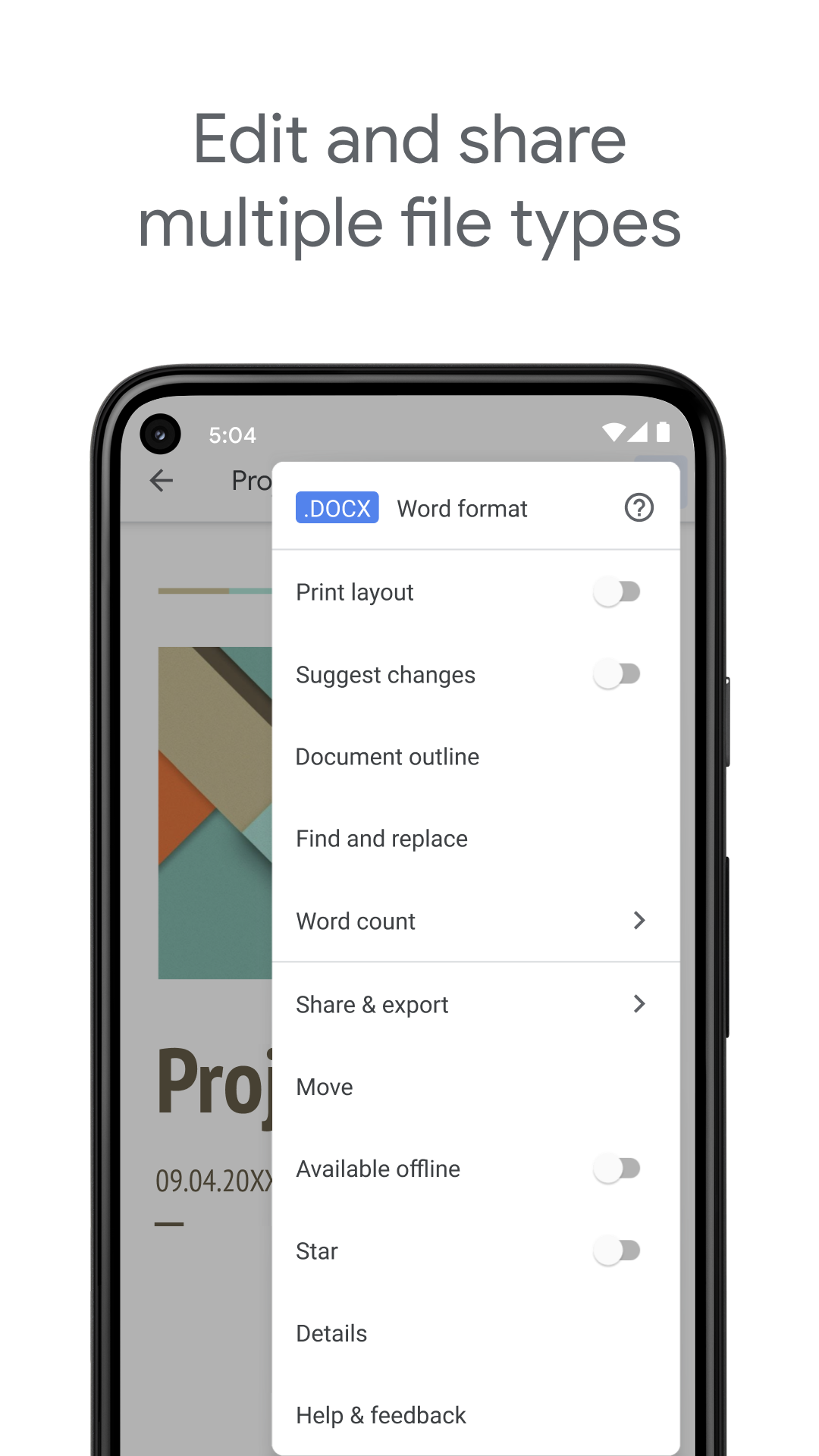
Another key advantage of Google Docs is its real-time collaboration feature. Multiple users can work on a document simultaneously, enabling teamwork and enhancing productivity. The ability to track changes, leave comments, and chat within the document in real-time promotes efficient communication and streamlines the editing process.
App Store Performance
On App Store, Google Docs has been rated over 2,102,742 times with an average 4.8 out of 5 rate. It receives a similar rate on Google Play at 4.1 out of 5.
Google Docs Pros and Cons
Pros:
Firstly, its cloud-based nature allows for universal accessibility. Users can access, edit, and share documents from any device with an internet connection, promoting flexibility and remote work capabilities. Secondly, the real-time collaboration feature enables multiple users to work on a document simultaneously, fostering seamless teamwork and enhancing productivity. Additionally, the platform provides a wide array of formatting tools, allowing users to create visually appealing and structured documents. Integration with other Google Workspace applications further enhances its value, providing a comprehensive suite of productivity tools.
Cons:
The platform's dependency on internet connectivity may hinder access and editing in areas with poor connection, posing challenges for users in such environments. Additionally, users with strict privacy concerns may find the cloud-based nature of Google Docs to be a limitation, especially when handling sensitive or confidential information. While these drawbacks exist, the platform's numerous strengths make it a valuable and widely utilized tool for document processing and collaboration.
Google Docs Reviews
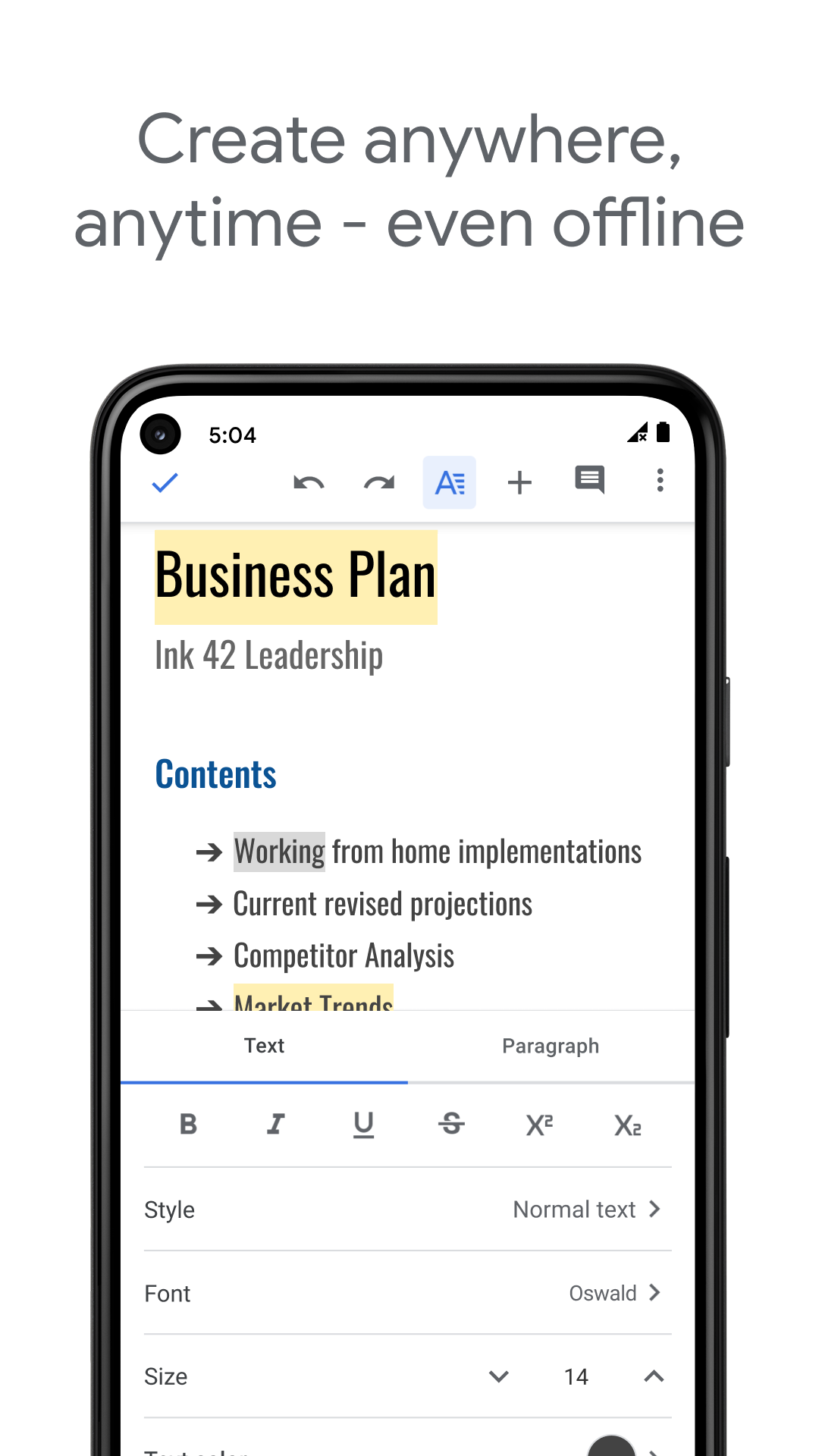
Google Docs offers a wide range of formatting and styling tools, making it easy to create visually appealing and structured documents. Users can insert images, tables, links, and even equations, adapting the document to suit various needs. The simplicity of the interface allows for intuitive navigation, ensuring that users can quickly learn how to use the platform effectively.
Additionally, Google Docs integrates seamlessly with other Google Workspace applications, such as Google Sheets and Google Slides, providing a comprehensive suite of productivity tools for users. This interconnected ecosystem enhances workflow efficiency and promotes a cohesive user experience.
Despite its numerous strengths, Google Docs does have some limitations. One drawback is the need for an internet connection to access and edit documents, which may pose challenges in areas with poor connectivity. Furthermore, users who prefer offline editing or have strict privacy concerns may find the cloud-based nature of Google Docs to be a limitation.
In conclusion, Google Docs is a powerful and versatile tool for creating and collaborating on documents. Its accessibility, real-time collaboration features, formatting options, and integration within the Google ecosystem make it a valuable resource for individuals and organizations alike. While it may have some limitations related to internet connectivity and privacy preferences, Google Docs remains a top choice for those seeking a user-friendly and efficient word processing solution.

Editor's Reviews
The Description of Google Docs
Google Docs, developed by Google, is a versatile and user-friendly cloud-based word processing platform that revolutionizes the way individuals and teams create, edit, and collaborate on documents. Offering a seamless and efficient solution for document management, Google Docs has become a go-to tool for a wide range of users across various industries and contexts.
App Store Performance
On App Store, Google Docs has been rated over 2,102,742 times with an average 4.8 out of 5 rate. It receives a similar rate on Google Play at 4.1 out of 5.
Google Docs Pros and Cons
Pros:
Firstly, its universal accessibility facilitates document creation and editing from any device with internet access. Secondly, the real-time collaboration feature enables multiple users to work together simultaneously, enhancing productivity. Thirdly, the platform provides a wide range of formatting options for creating visually appealing documents. Fourthly, seamless integration with other Google Workspace applications enhances workflow efficiency. Fifthly, robust sharing and publishing options offer controlled document visibility and access permissions.
Cons:
Firstly, dependence on internet connectivity may restrict access in low-connectivity environments. Secondly, users with strict privacy concerns might hesitate due to the cloud-based nature of the platform. Thirdly, while offering formatting options, advanced design customization features are limited compared to desktop applications.
Google Docs Reviews
One of the standout features of Google Docs is its accessibility. Being cloud-based, users can access their documents from any device with an internet connection. This enables users to work on their documents from different locations and devices without the hassle of transferring files. The convenience of cloud storage ensures that documents are automatically saved and synchronized, minimizing the risk of data loss and offering users peace of mind.
Collaboration lies at the core of Google Docs, allowing multiple users to work on the same document simultaneously. This real-time editing feature promotes teamwork, enhances productivity, and facilitates seamless communication among team members. Users can leave comments, suggestions, and feedback directly within the document, fostering a dynamic and interactive editing process. The ability to track changes and view revision history ensures transparency and enables users to revert to previous versions if needed.
Furthermore, Google Docs offers a plethora of formatting and styling options, empowering users to create professional and visually appealing documents. From basic text formatting to advanced features like inserting images, tables, charts, and equations, Google Docs provides a comprehensive set of tools to customize and enhance documents according to individual preferences. The platform's intuitive interface makes it easy for users to navigate and utilize these features effectively, even for those with limited technical expertise.
The seamless integration of Google Docs with other Google Workspace applications, such as Google Sheets and Google Slides, enhances its functionality and versatility. Users can easily transition between different tools within the ecosystem, streamlining workflow and maximizing productivity. The interconnected nature of these applications promotes a cohesive user experience and facilitates efficient collaboration across various tasks and projects.
Moreover, Google Docs offers robust sharing and publishing options, allowing users to control document visibility and access permissions. Users can share documents with specific individuals, teams, or make them accessible to the public. The platform supports real-time collaboration even with external users, making it ideal for partnerships, client interactions, and sharing information with a wider audience.
While Google Docs boasts numerous advantages, it is not without its limitations. Users may face challenges in areas with poor internet connectivity, as Google Docs requires an active connection to access and edit documents. Additionally, users concerned about data privacy and security may have reservations about storing sensitive information on a cloud-based platform.
In conclusion, Google Docs stands out as a powerful and versatile tool that caters to a diverse range of users seeking a collaborative and efficient document processing solution. Its cloud-based nature, real-time collaboration features, extensive formatting options, seamless integration with other Google applications, and robust sharing capabilities make it an indispensable tool for individuals, students, professionals, and businesses alike. While some limitations exist, the overall impact and value of Google Docs in simplifying document creation and collaboration cannot be understated.
More App
























Reviews